



Cash advance apps like Current and EarnIn can help when Klover’s limit is not enough. Klover lists up to $750 for eligible users, your first limit depends on your account, and you need at least three consistent direct deposits to qualify. These apps give you other ways to get cash before payday, and our roundup of the best cash advance apps has even more.
The best part? A lot of these cash advance apps work with Varo, Chime, Current and other digital banks and traditional bank accounts.
See which app fits your paycheck, how fast the money lands and what it really costs.
Free every week. Unsubscribe anytime.
You’re in. Your cheat sheet is below. We sent a copy to your inbox too.
A peek insideYour sheet is below
The whole picture on one screen.


 EarnIn, Current, Grant and more
Your cash advance cheat sheet
| App | Max advance | Monthly cost | Free delivery | Fast delivery | What it needs |
|---|---|---|---|---|---|
| EarnIn | Up to $1,000 a pay period | $0, tips optional | 1 to 3 business days | About 30 minutes for $3.99 to $8.99 | Keeps your bank. Needs a regular pay schedule and a work email or work location |
| Current | Up to $1,000 | $0 | About 3 business days | Small fee | A $200+ payroll deposit into Current. Not in CT, MD, NV, WI or DC |
| Grant | $25 to $500 (first advance averages about $66) | $0, Grant Plus $9.99 optional | About 3 business days | About an hour for $2 to $21 | No payroll deposit needed. Not in CT, KS, MD, NV, RI, SC or WI |
| Brigit | Up to $500 | $8.99 to $15.99 | 1 to 3 days | Instant on Premium | Can advance automatically when your balance gets low |
Your own limit shows in each app after you connect your bank. Pay it back on time and most of them raise it.
If you’re strapped for time, I’ll go ahead and share the best apps like Klover.
What is Klover?
What is Klover?
Klover can give you some extra cash before payday. Just have at least three consistent direct deposits within the past two months with no gaps in pay with the same employer; once you meet those requirements feel free to apply and request a cash advance of up to $750.
Klover’s own pricing page lists up to $750 for eligible users, but your first limit depends on your account, so you may want a second option. Here are the best apps like Klover to compare.
- Klover is an app that provides an advance of up to $200 on your next paycheck
- No mandatory fees
- An optional express fee from $2.99 to $20.78 to receive funds faster
Are there better apps than Klover?
It depends on what you need. Current lists a Paycheck Advance of up to $1,000 for eligible customers and also works as your bank account, and EarnIn shows up to $200 a day and $1,000 per pay period. Both list a higher top number than Klover’s $750 (Current details, EarnIn details).
Which app gives more money than Klover?
Klover says up to $750. Current and EarnIn both go up to $1,000, while Tilt, Brigit and MoneyLion are up to $500. Remember that most people start well below the top number, so the limit is only part of the story.
Do other apps charge lower fees than Klover?
Klover has no interest, no late fees and no credit check, but its optional express fees for faster delivery are relatively high. EarnIn has no mandatory monthly fees or interest, and you choose what you want to pay. Standard transfers are free and faster transfers cost extra. Tilt costs $8 a month after a 14-day free trial.
Can I use more than one app at once?
You can keep Klover and add Current or EarnIn for the weeks its limit runs out. Just remember each advance gets paid back from your next deposit, so stacking them leaves you short on the next paycheck. I would start with one.
Best for getting cash the fastest
Top pick- Get up to $1,000 per pay period with no interest, ever
- No credit check required to get started
- Free standard transfers, $3.99 for Lightning Speed
Best paycheck advance, zero fees
No fees- Get up to $1,000 with no fees at all
- No credit check, just connect your paycheck
- Instant access with your Current account
Best for automatic cash advances
Auto-advance- Up to $500/advance, no credit check required
- No credit check, advances based on your income
- Automatic advances when your balance gets low
Best for no interest and no late fees
No late fees- Get $25 to $500 if you qualify, with no credit check
- No interest and no late fees
- Free standard delivery in 1 to 3 business days
7 Best Cash Advance Apps Like Klover
These apps like Klover help you get your paycheck early and can help you get paid today.
Try these free mobile applications available in the App Store and Google Play Store, so you can borrow cash with ease:
1. Current
Best for: Anyone shopping for an app like Klover who wants a higher real-world limit and can move a paycheck.
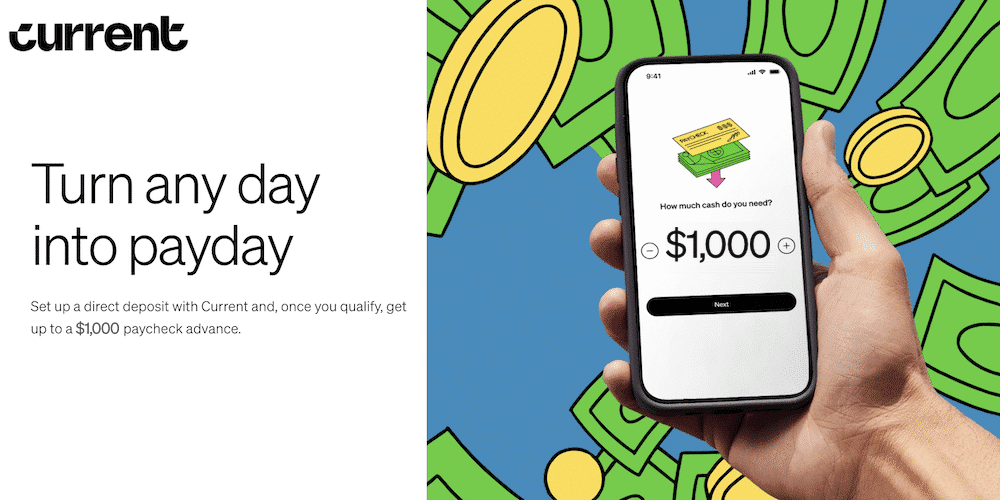
Current advances up to $1,000 for eligible customers, above Klover’s $750 listing. You can get spotted as often as you need, up to the amount you qualify for. Standard delivery is free and takes about 3 business days. Faster delivery has a fee, shown in the app before you confirm. Direct deposit can arrive up to 2 days early.
There’s no credit check to open the account.
How it compares to Klover: Klover lists up to $750 for eligible users, and you need three consistent direct deposits. Current asks for one eligible payroll deposit instead, and your pay has to go into Current.
Watch out for: You need at least one eligible payroll deposit of $200 or more in the last 35 days. The advance isn’t offered in Connecticut, Maryland, Nevada, Wisconsin or Washington, D.C.
Read our full Current review.
- Payday is just one tap away
- Get up to $1,000 before payday
- Get free instant access to your paycheck in advance
- 40,000+ fee-free ATMs nationwide
- Get $75 free with code WELCOME75 and $1,500 or more in payroll direct deposits within 35 days
2. EarnIn
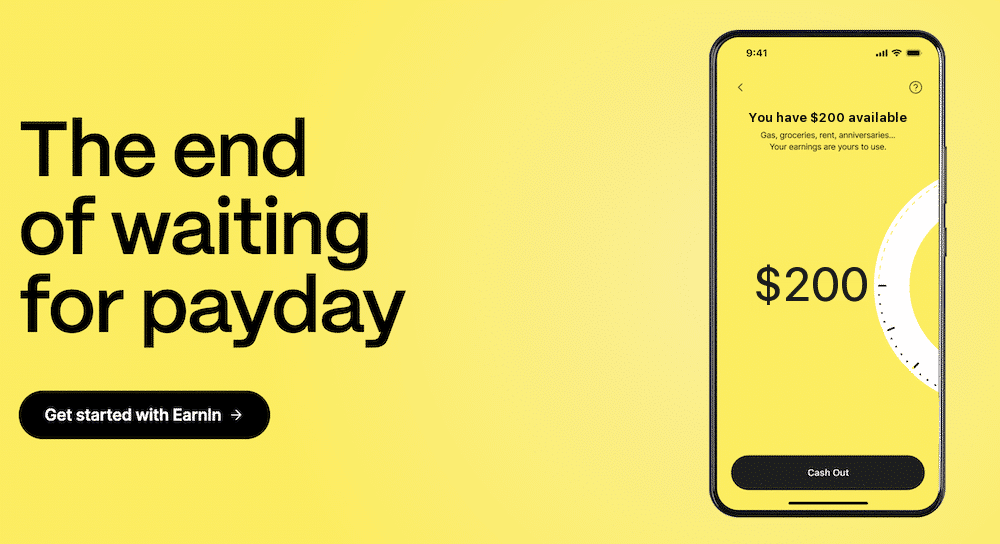
Best for: Workers who want a Klover alternative with a clear daily and pay-period limit and no mandatory fees.
EarnIn lets you take up to $200 a day and up to $1,000 a pay period from pay you’ve already earned. Standard transfers are free. Lightning Speed delivers in minutes and starts at $3.99.
There’s no interest, no credit check and no mandatory fees. Tips are optional, and you can tip nothing.
How it compares to Klover: EarnIn’s limit is more predictable than Klover’s, where the top number is $750 but your first limit depends on your account. EarnIn also has a fast option that starts at $3.99.
Watch out for: EarnIn verifies your job and pay. New users often start well below the top limit.
Read our full EarnIn review.
- Access to your hard-earned cash right when you need it
- No hidden fees, no penalties, no waiting
- Get up to $1,000 of your paycheck per pay period
3. Brigit
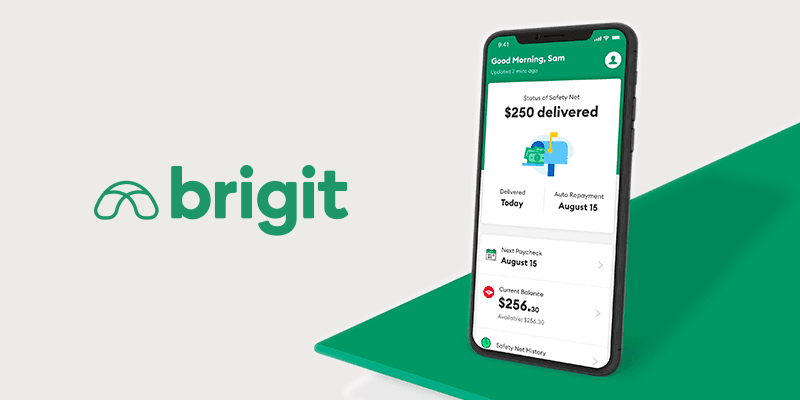
Best for: People who want an app like Klover with a $500 limit and a quick sign-up.
Brigit advances $25 to $500 with no interest, no late fees and no credit check. Sign-up takes about 2 minutes, and the app has 15M+ users. Standard delivery is free and takes up to 3 business days. Express delivery usually lands in about 20 minutes and costs $0.99 to $5.99.
Brigit has budgeting and saving tools too. Paid plans exist, but you can ask support for an advance without subscribing.
How it compares to Klover: Brigit’s $500 is below Klover’s listed $750. Brigit’s express fees are lower than Klover’s, which charges $15.25 on a $200 advance.
Watch out for: Brigit isn’t available in every state, and in Maine the range is $25 to $250. It also doesn’t work with Chime, Capital One, Net Spend or Varo.
Read our full Brigit review.
- Tap to get an advance within seconds
- Get up to $500
- No credit check is required and no interest
- Pay it back without hidden fees or “tips"
4. Grant
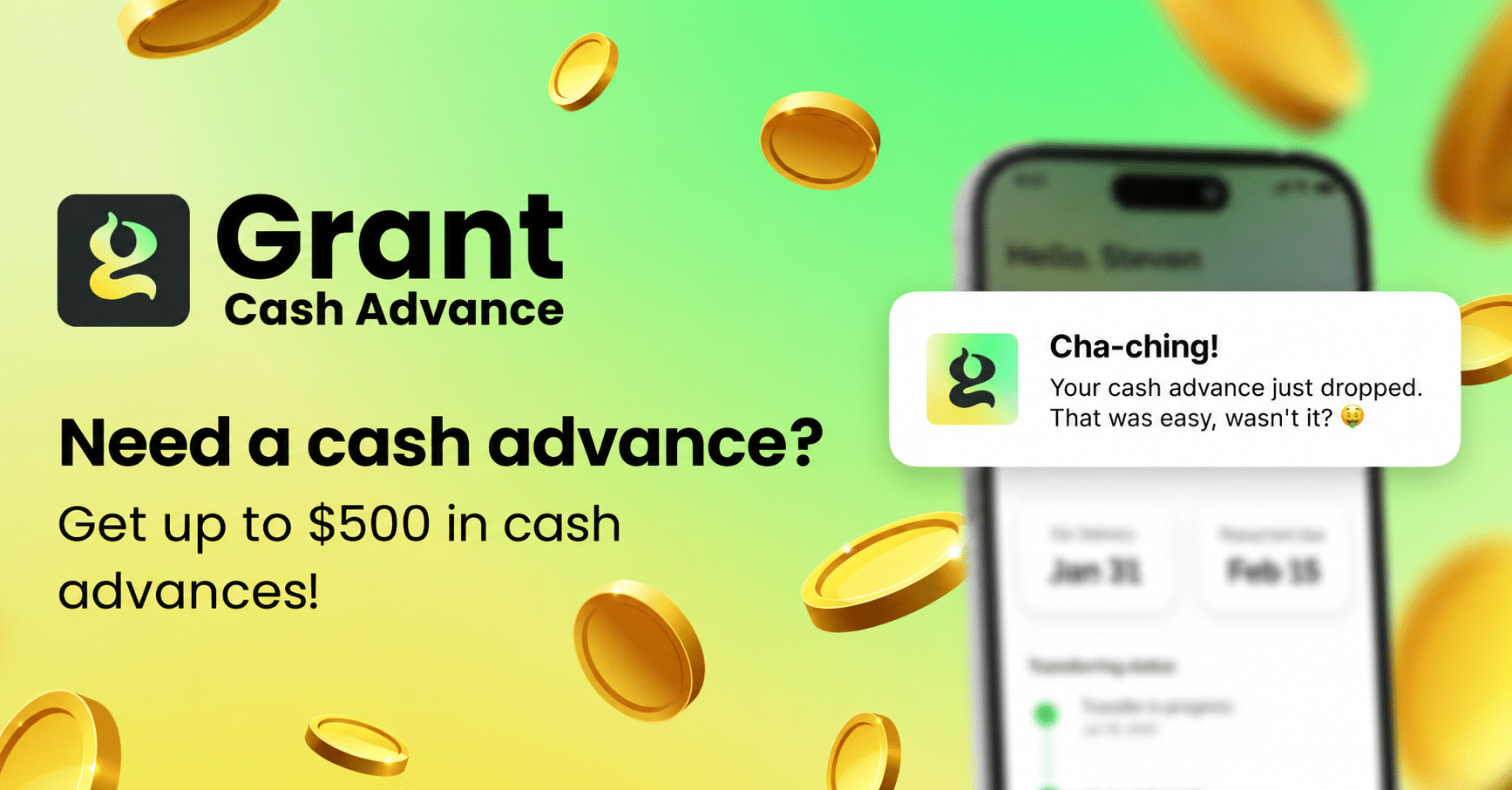
Best for: People who want a Klover alternative with no interest and are fine starting small.
Grant advances $25 to $500 with no interest, no late fees and no credit check. The average first advance is about $66. Standard delivery is free and takes about 3 business days. Express delivery arrives in about an hour for a fee.
Grant Plus is $9.99 a month. To skip it, email [email protected] for a free advance, which takes about a business day.
How it compares to Klover: Grant’s $500 top end is below Klover’s listed $750. Klover+ costs $4.99 a month, and Grant’s Plus plan is optional.
Watch out for: Grant isn’t available in every state, so check the app for yours before you plan around it.
Read our full Grant review.
- Get $25 to $500 with no interest and no late fees
- No credit check to apply, average first advance is about $66
- Free standard delivery in about 3 business days, or express in about an hour for $2 to $21
- Grant Plus is $9.99/mo in the app, or email support for a free advance
5. Tilt
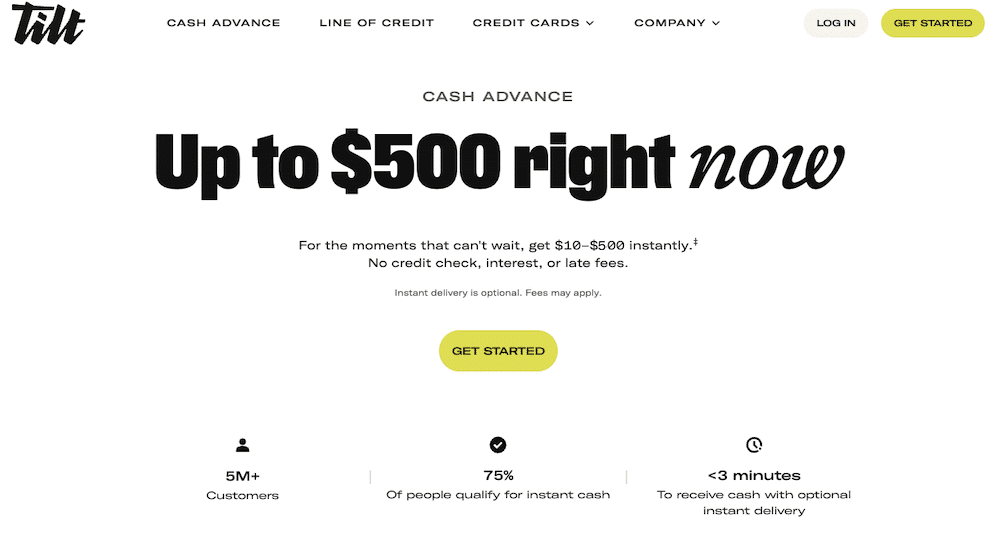
Best for: People who want a free trial before they pay and a cash advance with no credit check.
Tilt advances up to $500 with no applications, no interest, no late fees and no credit check. Tilt reports the average first offer at about $98, so $500 is where you work up to. You get a 14-day free trial, then it’s $8 a month.
Repayment comes out of your next direct deposit automatically.
How it compares to Klover: Klover lists up to $750, while Tilt tops out at $500 with an average first offer of about $98. If size is what you came for, Tilt won’t beat Klover, but the 14-day trial lets you test it before you pay.
Watch out for: Tilt isn’t available in Connecticut, Maine or Washington, D.C., and the $8 a month starts after the trial, so cancel before day 14 if you only want to try it.
Read our full Tilt review.
- Get a no-fee and interest-free cash advance of up to $500
- Use AutoSave to automatically set money aside every week
- Costs $8 per month after a 14-day free trial
6. Cleo

Best for: Anyone who wants a small advance with budgeting help and a repayment date they choose.
Cleo advances up to $250 with no interest. You choose a repayment date 3 to 14 days out. The advance comes with Cleo Plus at $5.99 a month. Standard delivery is free and takes 3 to 4 days, and same-day delivery costs $4.49 to $14.99.
Cleo won’t affect your credit score. The free version has the budgeting tool and wallet, but not the advance.
How it compares to Klover: Cleo’s $250 is far below Klover’s $750 listing. Klover has no interest, no late fees and no credit check, while Cleo’s advance needs the paid plan.
Watch out for: First-time users get less. Cleo’s own page says $20 to $100 for a first advance.
Read our full Cleo review.

- You can earn cash back rewards and enjoy salary advances up to $250 with Cleo Plus ($5.99 a month)
- Robust free version that helps you budget, automatically save and track your spending
- You can earn interest on your savings
7. MoneyLion

Best for: People who want a bank-style app and a $500 advance, as another Klover alternative.
MoneyLion Instacash advances up to $500 at 0% APR. You link a checking account that’s been open at least two months and apply in the app. Standard delivery to a MoneyLion Spend account is free, and a Spend account can get your paycheck up to two days early.
MoneyLion also has saving and investing tools in the same app.
How it compares to Klover: MoneyLion’s $500 is below Klover’s listed $750. Both have a free standard delivery option.
Watch out for: Free delivery only goes to a Spend account. Money in minutes is Turbo, which costs 7.5% of the advance (capped at $14.99) to Spend or 9% to an outside account.
Read our full MoneyLion review.
- The maximum advance is $500
- No interest. No monthly fee. No credit check
- Link your checking account to qualify for 0% APR cash advances
Cash Advance FAQs
Here are a few more questions people ask when they are looking for an app like Klover:
Several apps on this list say they do not run a credit check. Current says it does not run a credit check when you open an account, and EarnIn, Tilt and Brigit say no credit check as well.
Klover wants at least three consistent direct deposits within the past two months with no gaps in pay from the same employer. If that is not you, look at the other apps above, because each one sets its own requirements, and Current and EarnIn are the two I would check first.
Most of these apps take the money back automatically. With Tilt you pay it back when your next direct deposit lands, and with Cleo you pick a repayment date between 3 and 14 days.
Cash advance apps are not free money, since you pay every advance back. If you want to earn instead, we have a list of apps that pay you.
External resources, so you don’t have to do the research:
1) Have you lost your job? You can file for unemployment. While you wait for it to kick in, apps like Cleo, apps like Albert and apps like Branch are worth a look.
2) Looking to earn money? We have two articles about this, one for people looking for full-time online jobs and another for people looking for part time income (the gig economy).
3) Worried about bills? Here is an article from our team on ways to save money on groceries. Credit card companies and some banks are also delaying payments, waiving fees, and removing interest charges. Read about it here. You can get out ahead of these problems.
4) Trying to stretch your budget? Check out our guide on living cheap. Maybe you already know it all, but maybe there are some tidbits in there to help.
Borrow Responsibly when Using Apps Like Klover
If you’re like most people, any new financial need or demand makes you irritated and tense. Most cash advance apps can help you meet your immediate demands without delay or having to seek secured personal loans. Since you’re likely unready for financial emergencies and each additional financial obligation can put you on edge.
There are several advantages of getting a cash advance via an app rather than going to a local bank or pawnshop to try and get quick cash. Even though there are many lending institutions in each city today, you may not be aware of all the nuances, interest rates and fees among them.
Every potential borrower must understand that he or she is fully responsible for any loan or cash advance obtained. This money should not be taken for granted, since it will only be used for a brief period of time.
Finally, such small amounts of loaned money can’t accommodate long-term financial objectives. Consider alternative ways to finance your long-term goals and needs, or try to increase your income potential with side hustles.
With that said, good luck with borrowing money with these apps like Klover!
See which app fits your paycheck, how fast the money lands and what it really costs.
Free every week. Unsubscribe anytime.
You’re in. Your cheat sheet is below. We sent a copy to your inbox too.
A peek insideYour sheet is below
The whole picture on one screen.
EarnIn, Current, Grant and moreYour cash advance cheat sheet
| App | Max advance | Monthly cost | Free delivery | Fast delivery | What it needs |
|---|---|---|---|---|---|
| EarnIn | Up to $1,000 a pay period | $0, tips optional | 1 to 3 business days | About 30 minutes for $3.99 to $8.99 | Keeps your bank. Needs a regular pay schedule and a work email or work location |
| Current | Up to $1,000 | $0 | About 3 business days | Small fee | A $200+ payroll deposit into Current. Not in CT, MD, NV, WI or DC |
| Grant | $25 to $500 (first advance averages about $66) | $0, Grant Plus $9.99 optional | About 3 business days | About an hour for $2 to $21 | No payroll deposit needed. Not in CT, KS, MD, NV, RI, SC or WI |
| Brigit | Up to $500 | $8.99 to $15.99 | 1 to 3 days | Instant on Premium | Can advance automatically when your balance gets low |
Your own limit shows in each app after you connect your bank. Pay it back on time and most of them raise it.